
Courses
Make Godot Games with AI
Sign in to save this to your favorites ♡
A reusable interactive AI game-development course: 12 creative-direction missions, a personal journal and a step-by-step AI tutor workflow. Build a small game in Godot.
KEEP IT. REVISIT IT. BUILD WITH IT.
Your course. Two ways to learn.
Your personal interactive course
Download → extract all files → open the start page. Follow the missions, keep a creator journal and export your progress. The reader works locally, with no built-in AI connection.
Your AI-guided learning path
Upload the ZIP where supported, then paste PASTE_THIS_INTO_YOUR_AI.txt. Your AI reads the workflow, asks about your setup and idea, and guides one step at a time. Upload alone may not start the course.
ZIP won't open in your AI? Extract it and attach AI_READ_THIS_FIRST.txt, then supply the current lesson when needed. The included guide explains ChatGPT, Claude and Gemini. AI subscriptions and credits are separate; paid plans can offer more capacity, with no guaranteed speed or results.
AI compatibility, costs and provider references
ChatGPT startup was checked with the Browser ZIP plus an activation message. Claude's published document list does not list ZIP: use the text starter. Gemini limits ZIP contents and excludes audio, so use the text starter for this course. Full Claude/Gemini course completion is unverified. A premium AI plan is optional and purchased separately. Tools, limits and availability can change.
Your imagination deserves a world you can play.
Learn to direct an AI through a small Godot game: choose a focused concept, ask for a workable project, test its scenes and turn creative feedback into useful changes.
Inside your course
Twelve complete creator missions, a cyan-and-violet interactive reader, per-mission notes, practice marks, a creator journal, export/restore backups, an AI handoff, reusable briefing templates and optional original Godot implementation references. UI sounds start muted. Requires a desktop capable of running Godot and a compatible AI for AI-guided use. Historical reference checks used Godot 4.7.2 on Windows with Compatibility rendering; other versions/platforms and standalone/web exports remain unverified. Engine and export templates are not bundled. Reader checks used local HTTP; direct file:// behavior is unverified and a local server fallback is supplied.
Two ways to make it yours
Keep a personal interactive course on your computer, or give its instructions to your AI for a paced learning conversation. Read, practice and revisit it across your own projects. You supply imagination and creative decisions; your AI helps implement and repair the code. No professional coding knowledge is required to begin.
Start in five clear steps
1. Buy once and download the customer ZIP from your KCS account after verified payment. 2. Extract every file into a writable folder. Open START_COURSE.html; the bundle starts at START_HERE.html. 3. For AI-guided learning, attach the ZIP in a compatible AI and paste PASTE_THIS_INTO_YOUR_AI.txt. Upload alone may not start tutoring. 4. The AI should confirm the files it read, ask about your computer, game idea and budget, and wait. Answer those questions before building. 5. Follow one mission at a time. Play each result, give specific feedback, and export your progress and AI handoff.
ZIP not supported? Extract it and attach AI_READ_THIS_FIRST.txt instead. It combines the setup, course map and first mission in one text file. Supply later lesson files as the tutor reaches them.
What you learn to direct
Turn an idea into a manageable brief. Tell the AI when to wait for your full references. Ask for useful progress updates and evidence. Describe what looks wrong and what should change. Keep working versions, limit unnecessary rewrites, split tasks between assistants safely, choose assets responsibly, and polish a small playable before adding more systems.
Choose your AI partner
ChatGPT, Claude and Gemini are three recommended options; you only need one. The Browser ZIP plus activation message has started the tutor in an actual ChatGPT web session. Claude's published upload list does not list ZIP; use the single-file text starter. Gemini's ZIP limits exclude this full audio-containing course archive; use the text starter and current lesson instead. These alternatives are supplied, not claims of complete cross-model verification.
AI subscriptions are separate
For sustained development, consider a paid plan with capable reasoning/coding tools and higher usage limits if it fits your budget. It can reduce interruptions; it does not guarantee speed, correct code or results. No AI account, subscription, credits, engine, hosting or third-party assets are included. Check the provider's current tools, regional availability and data terms before subscribing. A text-only AI may require you to save/open files yourself; direct project edits require an authorized file-capable coding tool.
Your first-day target: one tiny playable interaction
Aim to finish setup, agree on a small brief and try a first move, interaction or win/lose loop. One day is a suggested goal, not a promised completion time. Scope, tools, experience and available time affect progress. This is a repeatable creative workflow, not a guarantee of a finished commercial game, income, time savings or search ranking.
Keep your course. Build your own work.
Apply the methods to your personal and commercial games under the customer license. Original example code and UI cues include separate MIT licenses. KCS course text, identity and other reserved works remain protected: no redistribution or resale of the course. Third-party assets and AI output require their own rights review. Your reader's notes stay locally in your browser; export backups before clearing data. AI-guided use sends the files you choose to your provider under its terms; no AI is embedded in the offline reader. Written and interactive, not filmed video or human coaching. No accreditation, permanent model training, exclusive AI copyright or future-update entitlement is promised. Mandatory consumer rights remain intact.
Support: kinfolkclusterstudios@gmail.com. Purchase recovery is through your KCS account and receipt. Try the free first mission before buying.
Look inside
Explore more from KCS
Courses
Make Browser Games with AI ↗
A reusable interactive AI game-development course: 12 creative-direction missions, a personal journal and a step-by-step AI tutor workflow. Build a small HTML5 browser game.
Courses
Make Browser Games with AI — Free First Mission ↗
Try the interactive reader and the complete first setup mission for $0.00. Keep the download or begin a guided conversation with your AI.
Courses
Make Godot Games with AI — Free First Mission ↗
Try the interactive reader and the complete first setup mission for $0.00. Keep the download or begin a guided conversation with your AI.
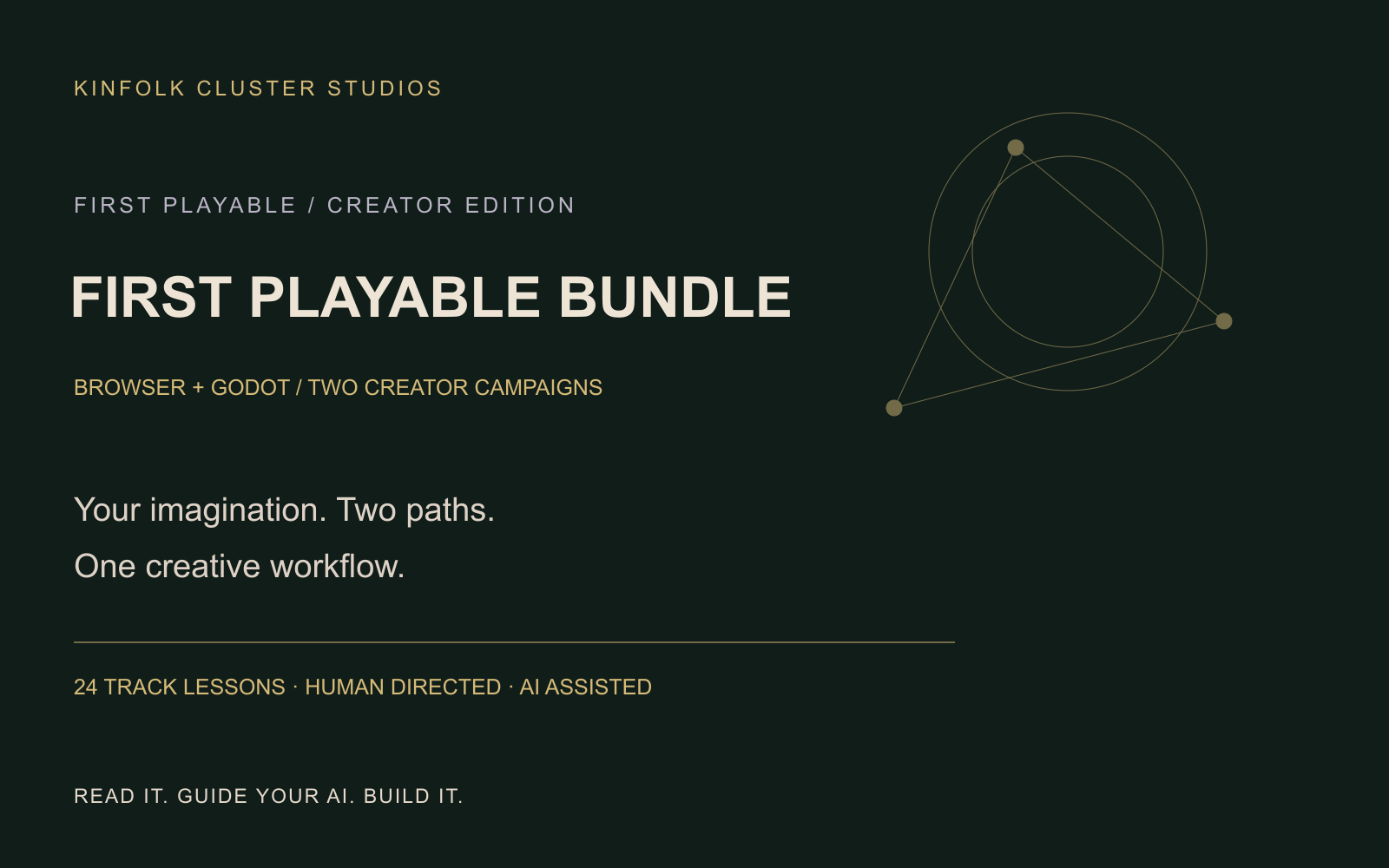
Courses
KCS First Playable Bundle — Browser + Godot with AI ↗
Two complete interactive courses, 24 track missions and a self-guided creator workspace. Learn to direct AI-assisted browser and Godot games, then reuse the workflow for your next idea.