
Creator Guide
How to Make a Browser Game with AI: A Practical Start
Sign in to save this to your favorites ♡
Published · Kinfolk Cluster Studios
Turn a small idea into a first playable browser game with AI assistance. Learn to brief the task, test the result and improve one thing at a time.
You do not need a perfect game idea before you begin. You need one small experience you can describe, an assistant with suitable tools and a way to check what it makes. Human imagination leads; AI assists with implementation. Your job is to decide what the game should feel like and whether the result delivers it.
This is a practical starting workflow, not a promise that one prompt will produce a finished commercial game. Start with something you can play and judge. You can expand a working idea later.
Start with one playable interaction
Describe what the player does, what makes it interesting and how a round ends. A useful first brief might be: move a lantern through a small courtyard, collect three lights and reach a gate. Use simple shapes, one screen and a restart button. Leave out crafting, online accounts, multiplayer and a large inventory for now.
That is a testable first edition. You can immediately check movement, collection, the win condition and restart. A huge list of systems gives you more places to get stuck before discovering whether the core interaction is enjoyable.
Check what your AI can actually do
A model and the application around it are different things. Some assistants can read your project, edit files and run checks. A text-only chat may instead provide a file for you to save and open. Neither a confident explanation nor a screenshot of code proves that a game runs.
Ask your assistant: “Tell me which tools you actually have for this task. Can you read attachments, edit project files, run a browser game and inspect screenshots? Mark anything unavailable. Do not build until we agree on a first milestone.” You can then choose a workable handoff instead of discovering missing capabilities halfway through.
Give the full vision before the build
If you have several references, say so. Try: “I have a written brief and three visual references to send. Confirm each one and stay in intake until I say BRIEF COMPLETE. Then summarize the idea, ask the questions that affect the first milestone and wait for my decision.”
Explain the mood, player activity and limits. References should communicate qualities you want to explore; they do not give you ownership of another creator's art or characters. Keep a record of the actual sources and permissions for anything you plan to include.
Ask for a small, visible milestone
Agree on a concrete outcome: the player moves, one object can be collected, the gate responds and restart returns the game to its initial state. Ask the AI to keep the project in a dedicated folder and preserve a known-good version before substantial changes.
For an early browser prototype, a small HTML, CSS and JavaScript project can make the handoff easy to inspect. Let your assistant explain how to run the files with the tools you chose. Some features require a local server rather than opening a file directly. Do not assume a desktop success proves phone compatibility.
Play the result and describe what happened
Your feedback is part of development. “Make it better” leaves too much room for guessing. “The character continues sliding after I release the key; make stopping more immediate and keep the top speed” gives the assistant a specific result to work toward.
Keep the loop short: request one change, play it, compare it with the intended result and decide what comes next. Ask for useful updates at milestones. A real screenshot, working build or relevant check is more informative than repeated claims that everything is nearly finished.
Add polish after the interaction works
Improve readability before adding detail. Can you distinguish the player, goal and hazard? Does collecting something produce understandable feedback? Are text and controls usable at the intended screen size? Does the player know how to start again?
Keep sound controllable and respect the context in which it starts. Check the source and license of art, fonts, sounds and code before release. Permission to use an asset inside your game does not automatically permit selling its raw files as an asset pack.
Keep a handoff for tomorrow
Save the current build, what works, what remains broken, the last successful check and the next agreed task. Export a short handoff before switching assistants or starting another session. This helps preserve decisions instead of spending the next conversation reconstructing the project.
You are learning to direct a creative process, not surrender the decisions. Your assistant can help with implementation; you remain responsible for checking the experience you share.
Try the workflow with KCS
Open the free Browser Games first mission to try the interactive reader and setup workflow. For a broader learning path, explore Make Browser Games with AI or browse Learn & Build. The course is written and interactive; AI subscriptions are separate. For something to play right now, visit the free browser arcade.
Connected stories
Courses
Make Browser Games with AI — Free First Mission ↗
Try the interactive reader and the complete first setup mission for $0.00. Keep the download or begin a guided conversation with your AI.
Courses
Make Browser Games with AI ↗
A reusable interactive AI game-development course: 12 creative-direction missions, a personal journal and a step-by-step AI tutor workflow. Build a small HTML5 browser game.
Creator Guides
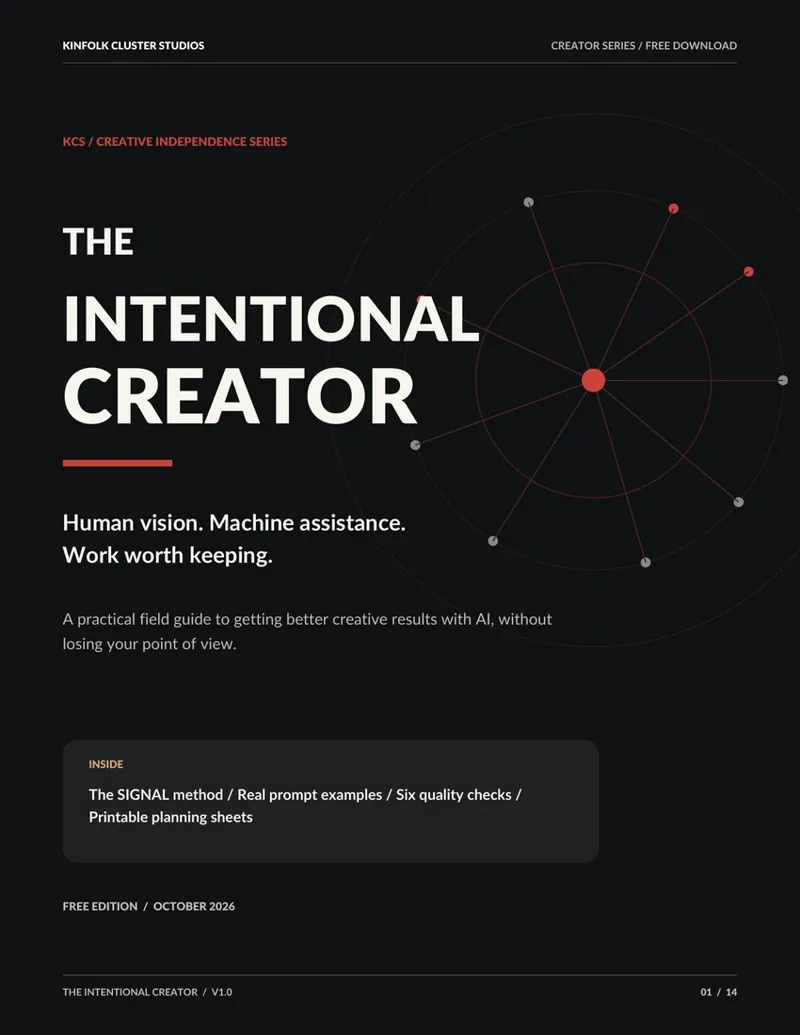
The Intentional Creator ↗
Human vision. Machine assistance. Work worth keeping. A free 14-page field guide with the KCS SIGNAL method, stronger prompt briefs, a six-point quality gate and printable worksheets.