
Creator Guide
How to Ask AI to Fix a Game Bug Without a Rewrite
Sign in to save this to your favorites ♡
Published · Kinfolk Cluster Studios
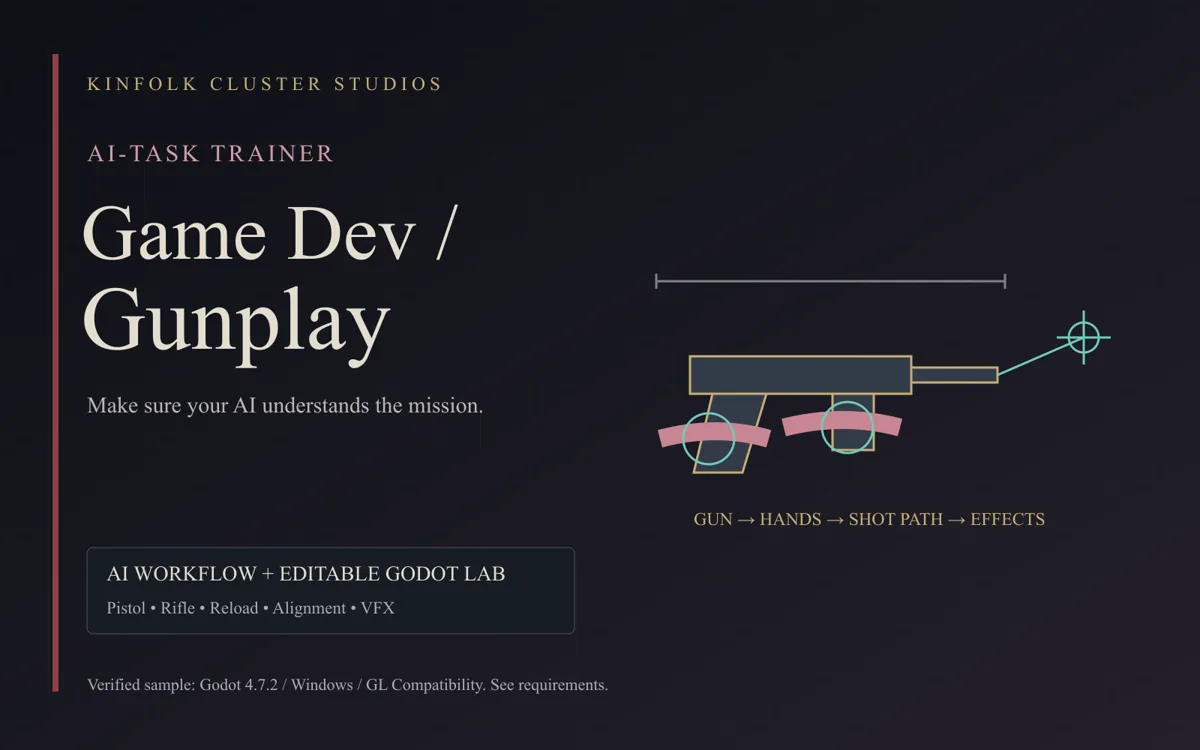
Give your AI a useful bug report, preserve the working build and verify a focused repair. A practical workflow for clearer game-development feedback.
A bug fix begins with a useful observation. “It is broken” tells your assistant that you are frustrated, but it does not identify the behavior, the version or the change you need. You can speak naturally and still give it a precise task.
The aim is a repair you can review. An AI explanation is a hypothesis until the relevant behavior has been checked. A passing launch check does not prove that every mechanic works.
Describe the actual result and the expected result
Use an example your assistant can reproduce. “In this build, collecting one item adds two points. I expect one point per item. It happens after I restart a round, but not on a fresh launch.” Add the build or files, the shortest steps and a screenshot or recording when it helps.
Include your environment if it may matter: browser, operating system, engine version and the exact error message. Keep passwords, customer information, private keys and unrelated personal files out of your report. Share only what the assistant needs to investigate.
Preserve what already works
Ask for a checkpoint before a substantial repair. Name the behavior you want preserved: movement, scoring rules, menu layout or an approved visual direction. This is particularly useful when the assistant is tempted to replace a whole system to solve one symptom.
Try: “Reproduce the duplicate reward in the attached build. Find the cause, preserve the current movement and UI, and make a focused repair. Explain any broader change before implementing it. Check fresh launch, restart and collecting the same object again.”
Separate a visual problem from a logic problem
A crooked weapon, misplaced hand and incorrect shot path may be related, but they are not necessarily the same fault. Work in an order that makes each result observable. In a weapon-alignment task, establish the weapon position, fit the hands and then verify the shot path before layering effects over the result.
Do not add smoke and flashes to hide an alignment problem. Do not change damage logic merely because a tracer looks wrong. Ask your assistant which coordinate space, animation stage or game state controls the specific behavior before it starts changing nearby systems.
Give evidence when an attempt fails
“Still broken” is understandable, but a short comparison is more useful: “The restart reward is now correct, but the pickup sound plays twice. Keep the scoring fix. Here is a recording of the remaining audio issue.” That narrows the next task and protects the successful part of the repair.
If repeated attempts are not improving the result, pause the guessing loop. Ask for the observations, hypotheses, changes tried and remaining uncertainty. A second reviewer or a more capable model can help with a difficult investigation, but it needs this evidence rather than an empty new conversation. More assistants and higher settings also add cost and coordination work.
Verify the repaired behavior, then check its neighbors
Repeat the original reproduction steps. Check a fresh launch and a restart if state is involved. Compare the result with the expected behavior. Then check the nearby things the change might affect, such as the score display, saved state, sound or another route through the same event.
Keep the scope proportional. You do not need to play an entire large game to check a tiny label correction. A save-system change deserves broader checks than a color adjustment. Record what passed, what failed and what was not tested; do not turn “not checked” into “working.”
Save the result as project memory
Keep the working version, a short description of the cause, the actual repair and the checks performed. Future assistants should be able to see why the decision was made. A concise, accurate handoff is more useful than a long conversation full of abandoned guesses.
For weapon and hand positioning, reloads and related effects, see the KCS Game Dev / Gunplay AI-Task Trainer. For a broader starting workflow, try the Browser first mission or Godot first mission. Each listing states its actual contents and verification limits. These resources guide the work; they do not guarantee a fix, a particular saving or a finished game.
Connected stories
AI-Task Trainers
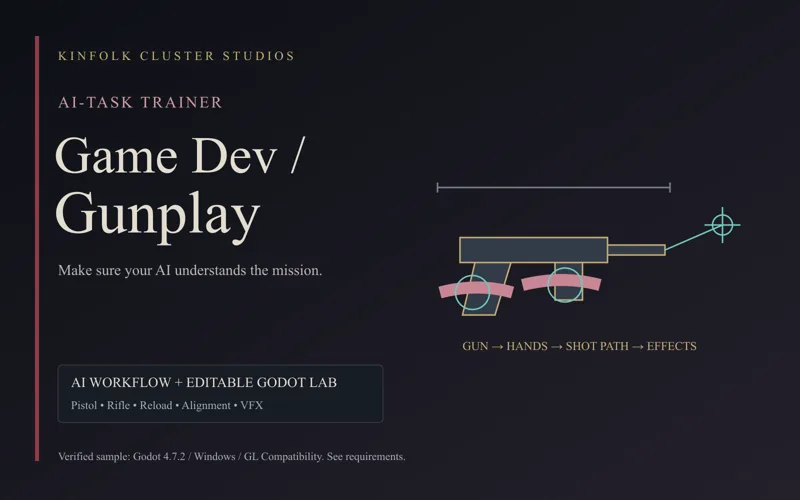
AI-Task Trainer: Game Dev / Gunplay ↗
AI workflow pack for game weapon alignment, hand placement, reloads and gunplay effects, with an editable Godot 4.7.2 pistol/rifle lab and visual examples.
Courses
Make Browser Games with AI — Free First Mission ↗
Try the interactive reader and the complete first setup mission for $0.00. Keep the download or begin a guided conversation with your AI.
Courses
Make Godot Games with AI — Free First Mission ↗
Try the interactive reader and the complete first setup mission for $0.00. Keep the download or begin a guided conversation with your AI.